
In this guide
Key Takeaways
- Cable management works best when you match the product type to the specific problem, whether that is desk clutter, loose device leads or messy charging cables.
- This category is less about one all-purpose fix and more about targeted solutions for different cable layouts and habits.
- Side-by-side comparison is most useful when you focus on where the mess actually sits, rather than comparing unlike products on appearance alone.
- The main strength of cable management products is that they solve narrow problems cleanly, but that also means the wrong type can be a poor fit.
- Buying decisions are easier when you assess whether the issue is on the desk, behind it or around charging points first.
Overview
Cable management covers a wider range of problems than it first appears. Tidying a home office desk is not the same job as protecting charging cables by the bed, and neither is quite the same as organising the bundle behind a TV or under a standing desk. The useful comparison is not simply neat versus messy, but fixed versus flexible, visible versus hidden, and temporary versus semi-permanent.
For desks, the main choice is usually between keeping cables contained on the surface or routing them out of sight. Clips, sleeves and magnetic holders work well when you need regular access to leads for laptops, phones and headphones. They keep chargers within reach and stop cables slipping behind the desk, but they do not hide much. Trays, under-desk channels and cable boxes are better when the aim is a cleaner-looking setup with fewer visible wires. Those options suit monitors, docking stations and power strips that stay in place, though they take more planning and can be less convenient if you swap devices often.
For device charging, the priority tends to be cable retention rather than full organisation. A small holder at the edge of a bedside table or kitchen counter can solve the daily annoyance of hunting for a charging lead. If several people share the same space, a box or dock-style organiser can reduce clutter more effectively than individual clips, though it also claims more surface area.
Length and movement matter as much as the organiser itself. Short accessory cables are easy to tame with ties or wraps. Long monitor, printer or extension leads usually need bundling first, then concealing. Height-adjustable desks add another consideration, because cables must move without snagging. In that case, rigid containment can be less practical than a sleeve or flexible spine that travels with the desk.
Material and mounting style affect convenience. Adhesive options are quick and renter-friendly, but depend on surface compatibility. Screw-mounted trays and channels are more secure for heavier cable runs. Reusable ties suit setups that change regularly, while cut-to-size wraps and more permanent routing are better for stable workstations. The right choice depends less on how many cables you have, and more on how often those cables need to move.
Top Products
Desk cable management is not one product type, it is a set of fixes for different messes. The right choice depends on whether you are hiding long runs, keeping charging leads within reach, or stopping cables from slipping behind furniture.
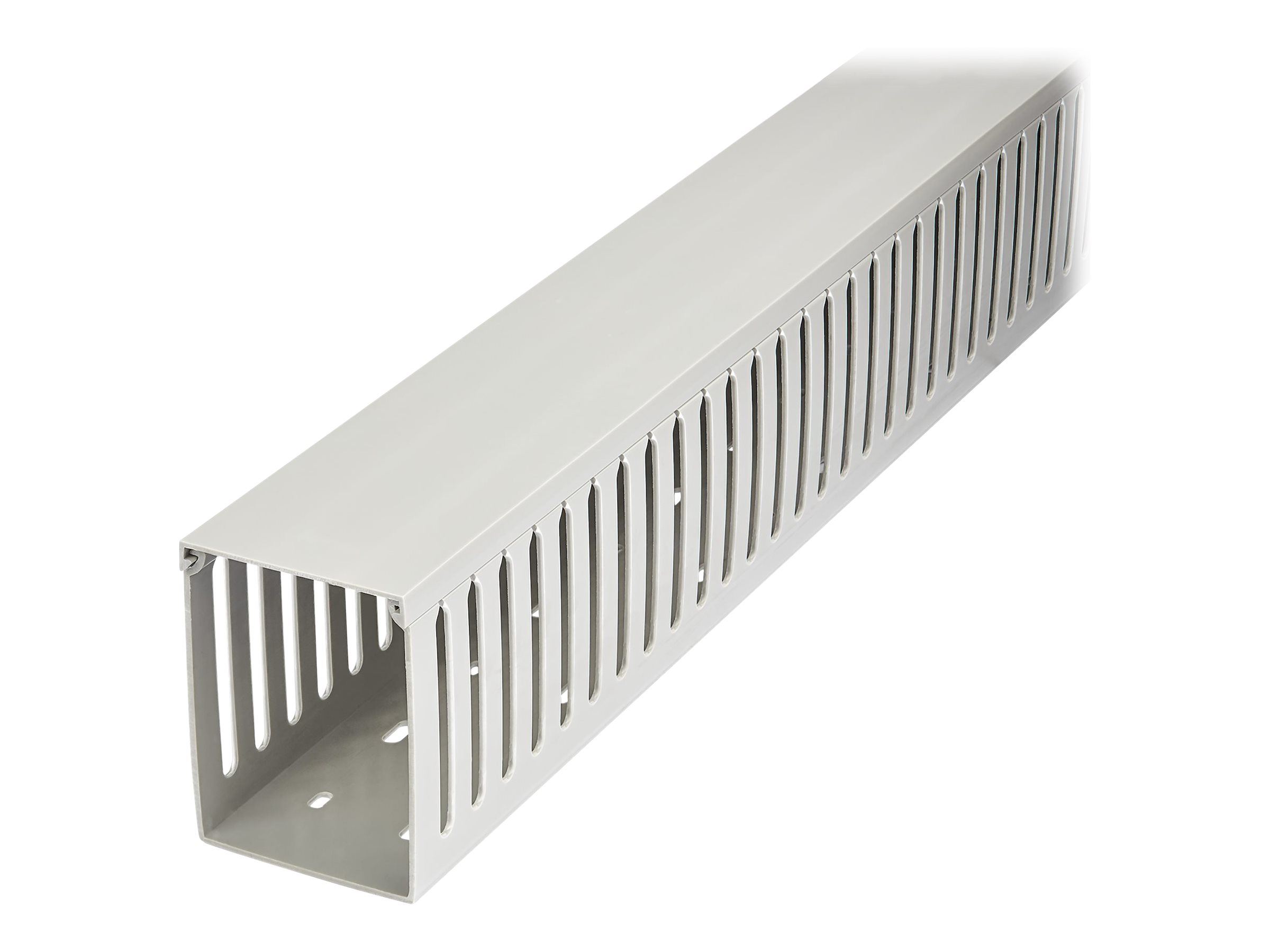
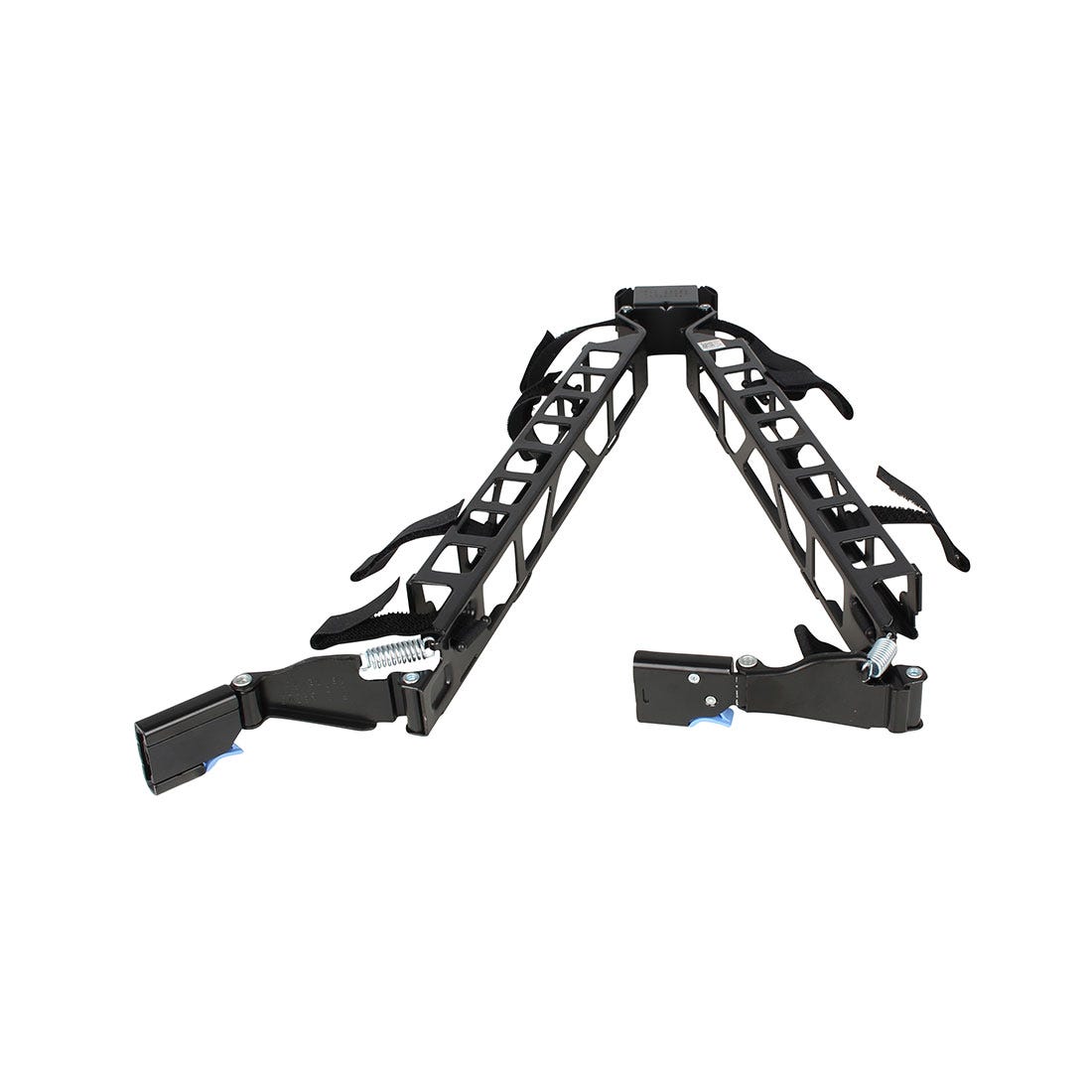
Cable trays and under-desk baskets suit permanent workstation setups. They keep power strips, laptop chargers and excess lead length off the floor, which makes the area easier to clean and less cluttered to look at. They work especially well for desks that stay in one place, but they are less useful if you regularly unplug and move devices around.
Cable clips and magnetic holders are better for short, frequently used leads. If your main irritation is a phone cable disappearing behind the desk, a small holder is more practical than a full tray. These are also easier to place exactly where you need them, though they do not hide cable bulk in the same way.
Sleeves, wraps and spiral organisers are useful when several cables follow the same path, such as monitor, keyboard and charging leads running from a desk to a wall socket. They create a neater single bundle and reduce snagging, but they can make it slower to swap out one cable in the middle of the group. If you often change devices, reusable ties may be the more flexible option.
Cable boxes focus on the floor-level problem: power strips, adapters and spare length gathered in one visible tangle. They can make a room look tidier very quickly, especially in living spaces or shared home offices. The trade-off is access, since anything inside the box takes an extra step to reach.
For travel and device bags, compact pouches and organisers solve a different issue altogether. They are less about hiding cables and more about separating chargers, earbuds, adapters and short leads so they do not knot together. If your clutter travels with you, this style makes more sense than any desk-mounted solution.
In practice, most tidy setups combine two or three approaches: a tray for the heavy cables, clips for the daily charging lead, and ties or a sleeve for anything running down a desk leg.

Side-by-Side Comparison
A quick way to narrow the field is to match the product type to the kind of cable problem you actually have. Some options hide clutter, some control movement, and some simply stop cables from dropping behind the desk.
| Product type | Best for | Main advantage | Trade-off |
|---|---|---|---|
| Under-desk tray | Power strips, chargers and excess cable under a fixed desk | Keeps bulk off the floor and out of sight | Needs enough desk depth and some installation |
| Cable sleeve | Bundling several leads from desk to floor | Tidier single run, especially for monitor and laptop cables | Less convenient if you often add or remove devices |
| Cable clips | Routing individual cables along desk edges or walls | Simple control of charging leads and peripherals | Better for light organisation than hiding clutter |
| Cable box | Hiding extension blocks and adapter excess on the floor or desk | Fast visual improvement with minimal setup | Does not organise cable paths by itself |
| Spiral wrap or ties | Grouping loose sections of cable together | Flexible and usually easy to adjust | More functional than discreet |
| Dock or charging organiser | Keeping device charging points in one place | Useful for phones, tablets and daily charging routines | Solves charging clutter more than full desk cable mess |
For a work desk with a monitor, laptop charger and power strip, an under-desk tray usually makes the biggest visual difference because it deals with the heaviest clutter first. If the problem is the visible drop from desktop to floor, a sleeve is often the cleaner choice. These two are frequently the most effective pairing, because one hides the bulk and the other tidies the route.
For shared spaces or hot desks, clips and reusable ties are often easier to live with than a more fixed setup. They let you reroute leads without undoing a whole system. By contrast, a cable box suits rooms where the extension block sits in plain view and you want a faster cosmetic fix.
Charging setups need slightly different thinking. If your main irritation is a cluster of short cables around phones, earbuds or tablets, a charging organiser or a few well-placed clips can be more useful than a larger desk management system. The right choice depends less on how many cables you own, and more on whether you need to hide them, guide them, or keep them within easy reach.
What We Like and What We Do Not
The main thing to like about this category is how targeted the solutions are. A cable tray under a desk solves a very different problem from a magnetic organiser on the desktop or a sleeve around a bundle of leads. That is useful, because it means you can fix the mess you actually have rather than buying a catch-all product that only partly helps. If your issue is a power strip and excess cable hanging in view, under-desk routing makes the biggest visual difference. If your problem is charging leads constantly falling behind the desk, a simple clip or weighted holder is usually more effective.
Another positive is that many options are low-commitment. Adhesive clips, wraps and sleeves are easy to add without moving furniture or drilling into anything. They suit rented spaces, shared desks and anyone who wants a quick tidy-up. By contrast, mounted trays and channels tend to give a cleaner, more permanent result, especially for workstations with monitors, docks and multiple power cables. They take more effort to fit, but they usually reduce visible clutter more convincingly.
The trade-off is that cable management products are often very good at one job and mediocre at another. A sleeve can make a bundle look neater, but it does not help much with access if you unplug devices regularly. A box can hide an extension lead, but it also adds another object on the floor or desk. Clips keep individual leads in place, but they do not deal with cable length. This is where buyers can go wrong, choosing by appearance rather than by workflow.
There is also the issue of flexibility. A fixed setup works well if your desk layout rarely changes. If you swap devices often, add temporary chargers or move between work and gaming use, more modular options tend to be less frustrating. Reopening ties, repositionable clips and simple channels are easier to live with than a tightly packed, fully routed system.
In practice, the strongest setups usually combine types. One product manages the main cable run, another keeps daily-use leads accessible, and a third deals with excess slack. That layered approach is usually more effective than expecting one item to solve every cable problem.



Where to Buy
Buying the right cable management product starts with being honest about where the mess actually lives. If cables are hanging off the back of a desk, compare trays, under-desk channels and clip systems first. Trays usually suit thicker bundles and power bricks, while channels and clips make more sense when you want individual leads routed neatly without creating one large bundle. If your problem is visible clutter on the desktop, sleeves, clips and compact organisers are usually the more relevant shortlist.
For charging setups, it helps to separate travel needs from fixed-location use. A small organiser or cable wrap is often enough for a bag, drawer or bedside table. A larger box or dock-style organiser makes more sense if you are trying to keep a permanent charging area tidy and hide excess cable length. If you regularly swap devices in and out, look closely at access and flexibility. A tidy solution that slows down everyday charging can become irritating quickly.
Material and mounting style are worth comparing before price. Adhesive-backed options can be quick to fit and useful for lighter cables, but they are not the same proposition as screw-mounted hardware for heavier setups. Flexible sleeves and wraps are easier to rework when your layout changes. More fixed organisers can look cleaner once installed, but they tend to be less forgiving if you move equipment around often.
When comparing retailers, check the listing details carefully rather than relying on category names alone. Dimensions, cable capacity, mounting method and whether a product is intended for single leads or grouped bundles matter more than broad labels like "desk organiser". Photos can also be misleading if they show idealised setups without making scale clear.
If you are buying for a home office, start with the route from socket to desk, then deal with what stays visible on the surface. If you are buying for shared family charging, prioritise easy access and simple cable separation. If you are organising a gaming or workstation setup, focus on capacity, routing and how easily the system can adapt when devices change.
The key decision is not style or size, but where the cable problem actually sits, under the desk, across the desktop, behind a TV, or around charging points. Once you match the product type to that specific mess, it becomes much easier to choose a fix that keeps cables accessible without adding more clutter.