
In this guide
Key Takeaways
- Cable management options suit different jobs, so the right choice depends on whether appearance, access, safety, or flexibility matters most.
- The main differences between formats are how permanently they organise cables and how easy they are to adjust later.
- Capacity, mounting method, dimensions, and cable access are the key technical factors when comparing products.
- Cable trays and under-desk baskets are better suited to setups where handling a larger volume of cables matters.
- The most suitable option depends on cable location, how often the setup changes, and whether the aim is full concealment or surface control.
Overview
Cable management covers several distinct jobs, so the right option depends on whether the priority is appearance, access, safety, or flexibility. On a desk, the main challenge is usually keeping power leads, monitor cables and charging wires organised without making them harder to reach. In that context, simple clips, sleeves and under-desk trays solve different problems. Clips keep individual cables routed to a fixed point, whereas sleeves group several leads together for a cleaner run. Trays, by comparison, are more useful when the aim is to lift power strips and excess cable off the floor.
For charging areas, the balance shifts slightly. A tidy charging setup often needs cables to stay visible and accessible rather than hidden completely. Short cable organisers and holders can stop leads slipping behind furniture, in contrast to boxes or covers that conceal adapters and spare length but may slow access when devices are plugged in and unplugged frequently. If several people use the same space, ease of identification can matter as much as neatness.
TV and media setups bring a different set of trade-offs because cables tend to vary more in thickness and destination. HDMI, power and network leads often need to run together over longer distances, so capacity becomes more important than on a desk. Sleeves and trunking can create a more uniform appearance, whereas ties and clips are easier to adjust when equipment changes. By comparison, cable boxes are better suited to containing power strips near the floor than managing visible runs up a wall or across a cabinet.
Material and installation method also affect day-to-day use. Adhesive-mounted options are usually quicker to fit and easier to place precisely, but they depend on surface compatibility and may be less convenient to reposition. Mechanical fixing can offer a more secure hold, although it generally takes more effort to install. Reusable fastenings suit setups that change regularly, in contrast to more permanent routing systems that prioritise a fixed, tidy layout.
As a category, cable management is less about a single solution and more about combining products that match the space. A desk may need quick access and modest capacity, whereas a TV area may benefit more from concealment and longer cable runs.
Feature Comparison
The main cable management formats differ less by appearance than by how permanently they organise cables and how easy they are to adjust later. A simple comparison is useful because products that look similar often solve different problems.
Cable sleeves group several leads into a single bundle, which works well where cables run together from a desk to a floor socket or from a TV unit to a wall outlet. They usually keep a cleaner visual line than individual clips, whereas access is slower if you regularly swap chargers or peripherals. By comparison, cable clips hold wires in fixed positions along a desk edge, skirting board or wall. That makes them useful for routing one or two cables precisely, but less suitable for thicker bundles or setups that change often.
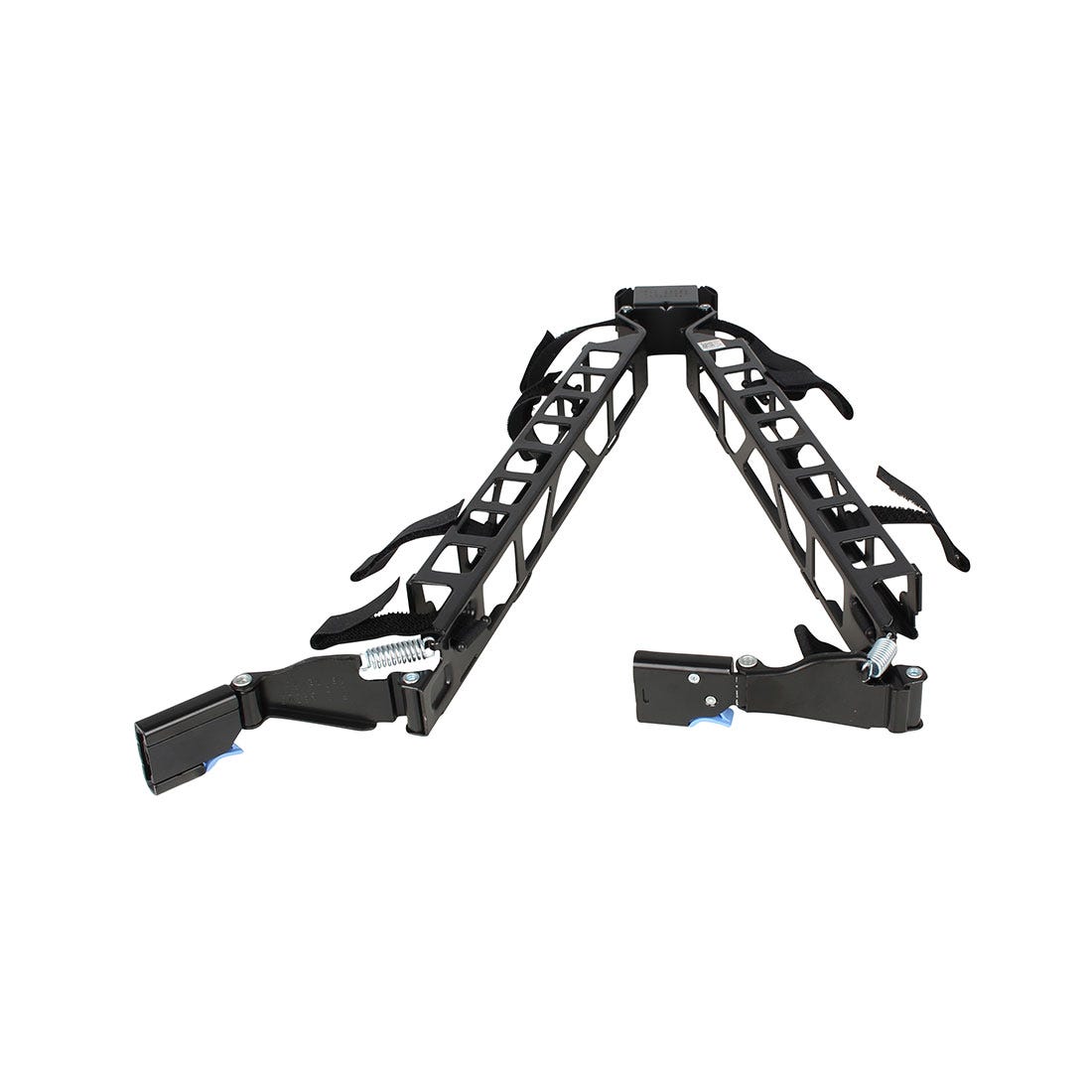
Cable boxes address a different issue. Rather than routing a cable run, they hide excess length, power strips and plug connections in one enclosure. This can improve the look of charging areas and entertainment units, although it does not organise the full cable path in the way sleeves or trunking can. In contrast, under-desk trays focus on lifting cables and power bricks off the floor while keeping them accessible. They are often easier to revise than adhesive clips, but they remain partly visible from some angles and need enough clearance under the desk.
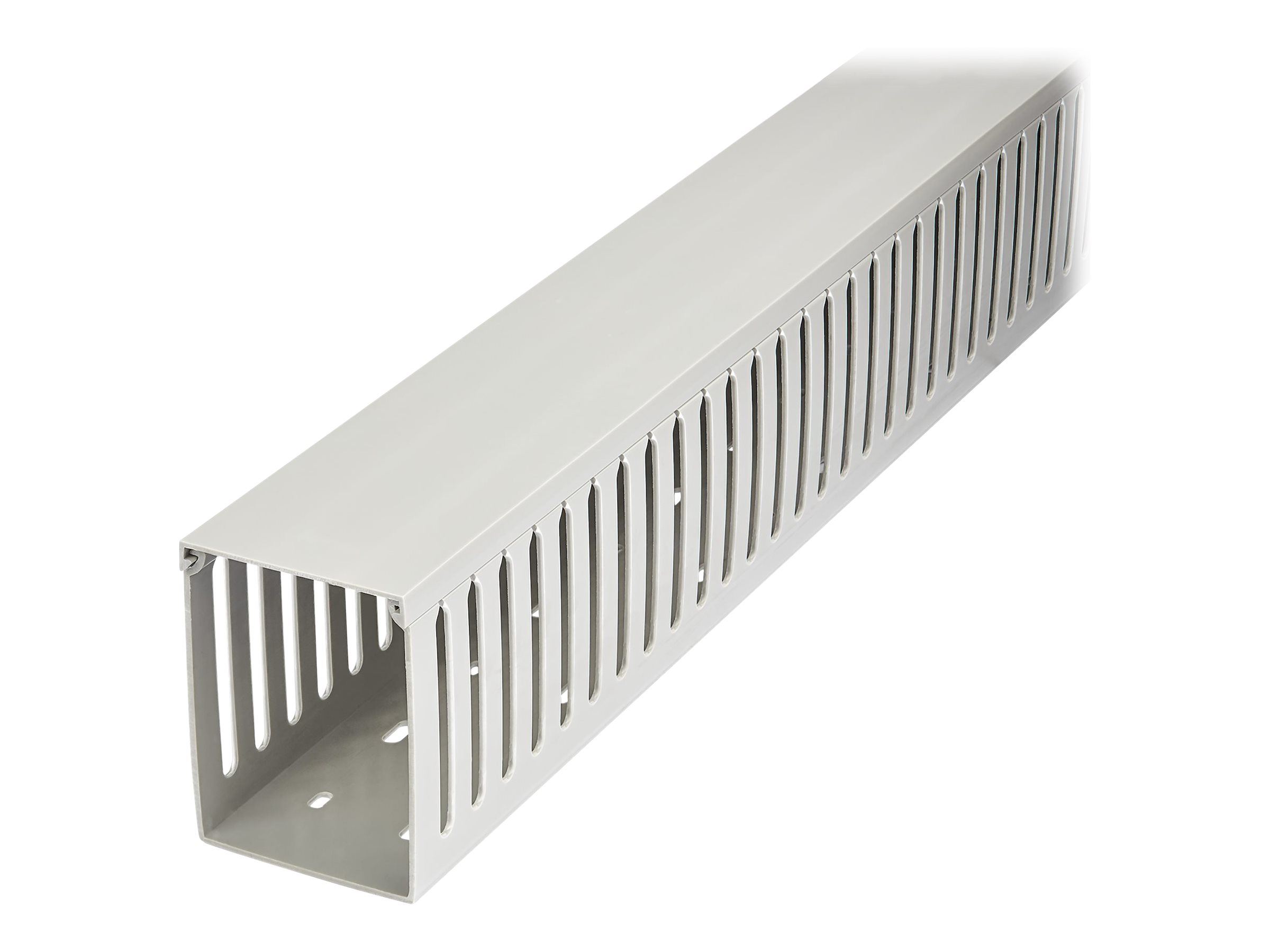
For more fixed installations, cable trunking provides the most structured route along walls or furniture. It separates and conceals runs more completely than clips or sleeves, especially for TV setups, though installation is usually more involved and repositioning later is less convenient. Hook-and-loop ties sit at the opposite end of the scale. They do not hide cables by themselves, but they make it easier to bundle, separate and rework leads without committing to a permanent layout.
Magnetic, adhesive and screw-mounted systems also differ in how much weight and adjustment they can handle. Adhesive options are quicker to fit, whereas screw-mounted fittings tend to suit heavier or longer-term setups. Magnetic holders are convenient for charging leads that need to stay within reach, but by comparison they solve cable placement rather than broader cable concealment.

Technical Specifications
Technical differences in cable management products tend to centre on capacity, mounting method, dimensions, and cable access. Capacity matters first because a slim sleeve or clip may only suit a few charging leads, whereas a larger tray, box, or raceway can handle thicker bundles, power strips, or AV cabling. By comparison, products designed for a single route, such as adhesive clips or narrow channels, usually keep cables more separated but offer less room for expansion.
Dimensions affect both fit and usability. Under-desk trays need enough width and depth for plugs and power adapters, not just loose cables. In contrast, desktop organisers and cable boxes must balance internal space against how much surface or floor area they occupy. For TV setups, raceway length and profile are often more relevant than total volume, because the aim is usually to hide a visible run along a wall or cabinet rather than store excess cable.
Mounting method is another practical specification. Adhesive-backed options are quicker to install and often easier to place on glass, laminate, or painted surfaces, but their long-term hold can depend on surface condition and load. Screw-fixed systems generally support more weight and remain more secure over time, especially under desks or behind media units, although they require drilling and are less convenient to reposition. Magnetic or clamp-based designs sit between those extremes, offering easier removal with fewer permanent changes, but only where the desk or frame supports that approach.
Material also changes how a product performs. Plastic channels and boxes are typically lighter and simpler to cut or place, whereas metal trays and baskets usually offer greater rigidity for heavier cable bundles and power bricks. Fabric sleeves, by comparison, prioritise flexibility and quick bundling over structure.
Cable entry and exit points are worth checking closely. Some products allow cables to be added or removed at any point along the run, which makes later changes easier. Others provide a neater enclosed result but can be slower to reconfigure. If chargers, adapters, or HDMI leads are likely to change regularly, access can matter as much as concealment.
Strengths and Weaknesses
Cable trays and under-desk baskets are strong where capacity matters. They can hold power strips, chargers and excess cable length in one place, which makes them useful for desks with several devices. They also keep cables off the floor, which can reduce tangling around chair legs. Their main limitation is access. Although they hide clutter well, making changes can be slower if the tray is mounted tightly or filled close to capacity. By comparison, simpler clips and ties are easier to adjust but do less to conceal bulk.
Cable sleeves and wraps sit somewhere between neatness and flexibility. They group multiple leads into a single run, which usually improves the look of cables travelling from desk to floor or behind a TV unit. They are also relatively adaptable if equipment changes occasionally. In contrast, they do not separate individual cables particularly well, so tracing one lead later can be less convenient. Sleeves can also make a thick bundle more noticeable if too many cables are combined.
Clips, adhesive holders and cable ties offer the most direct control over routing. They are useful for keeping charging leads accessible on a desk edge, guiding a single cable along furniture, or stopping connectors from falling behind a surface. Whereas trays focus on storage, these options focus on positioning. Their trade-off is that they usually manage cables one by one, so they can look fragmented in larger setups. Adhesive-based options may also be less suitable where cables are moved often, because frequent repositioning can reduce their practicality.
Cable boxes are more about visual containment than structured routing. They can hide extension leads and adapters effectively in living rooms or TV setups, especially where the main issue is exposed hardware rather than cable runs across a wall or floor. However, they do not organise cables along their full length, and they take up visible surface or floor space. By comparison, trunking and raceways create a cleaner fixed path, but they are less convenient if the layout changes regularly.
Overall, the main differences come down to whether the priority is hiding volume, guiding individual leads, or keeping future changes straightforward.



Our Verdict
The most suitable choice depends on where the cables sit, how often the setup changes, and whether the aim is to hide wires completely or simply stop them spreading across the surface.
For desks, the main distinction is between options that keep cables accessible and those that conceal them more thoroughly. Sleeves, clips and simple organisers suit charging leads and peripherals that are unplugged regularly, because they preserve easy access and are usually quicker to rearrange. By comparison, trays, baskets and channels tend to create a cleaner overall line, but they ask for more planning around cable routes and power brick placement.
For charging areas, flexibility usually matters more than outright capacity. A compact organiser can keep short leads separated and reduce visual clutter, whereas a larger containment option may be more useful if multiple adapters and excess cable length need to be managed in one place. In contrast, a highly enclosed solution can look neater but may make it slower to swap devices in and out.
For TV setups, cable runs are often longer and more visible, so concealment tends to carry more weight than rapid access. Channels and covers are often better aligned with that goal, especially where cables need to follow a wall or cabinet edge in a controlled path. Whereas desktop-focused organisers prioritise convenience at arm’s reach, living-room setups usually benefit from products that reduce visible cable length across open space.
If the setup changes often, prioritise adjustability and access. If the layout is fixed for long periods, a more structured solution can make sense even if installation takes longer. The key trade-off is straightforward: the tidiest result is not always the easiest to modify later, and the most flexible option will not always hide cables as completely. Matching the product type to the environment, rather than choosing by appearance alone, is what usually leads to the better outcome.
The key decision is how fixed or changeable the setup needs to be. Higher-capacity options suit desks and TV areas with multiple cables to contain, while simpler organisers make more sense where access and regular adjustments matter.